How to Use the Signal Trade App Cockpit
Category: App Pages | Last updated: 2026-06-15 | Reading time: 7 min read
What Is the Cockpit?
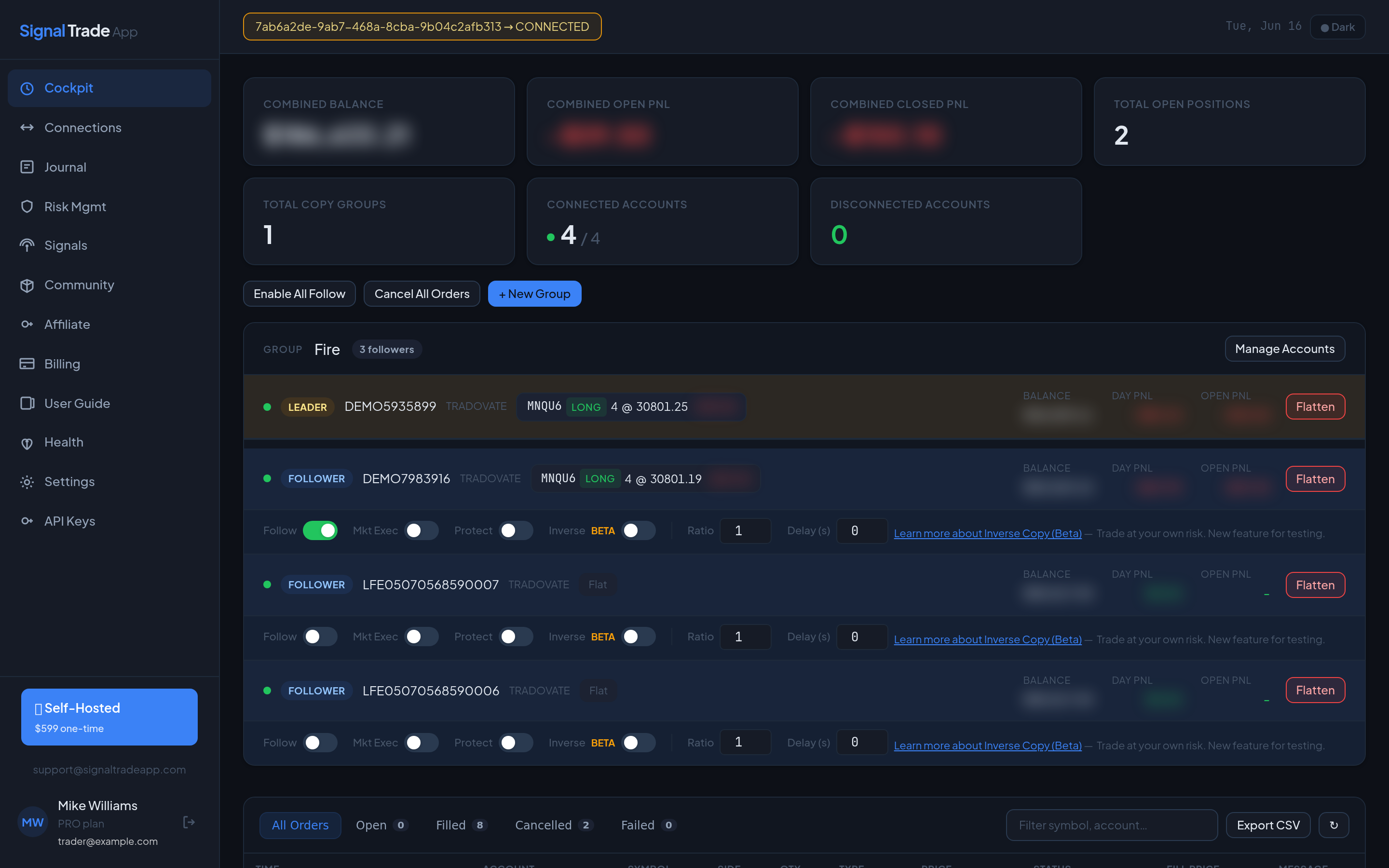
The Cockpit is your mission control center. It shows every copy group, open position, account balance, and real-time P&L in one screen. Whether you run two accounts or fifty, the Cockpit is where you monitor execution and catch problems before they become expensive.
Cockpit Layout
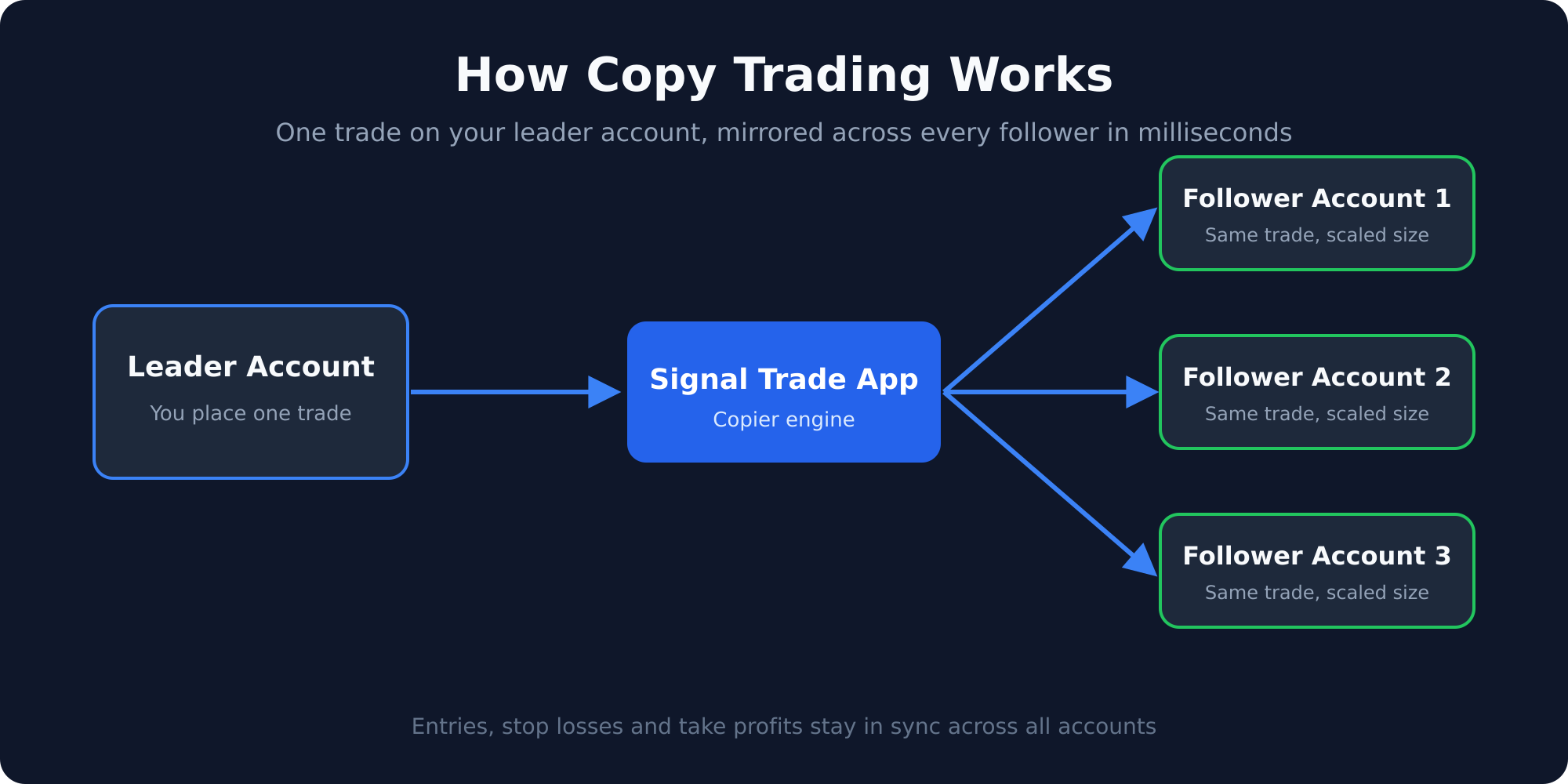
- Group cards — One card per copy group with leader, followers, and status.
- Positions panel — Open trades across all accounts with quantity, entry price, and unrealized P&L.
- Account summary — Per-account balance, daily P&L, and connection status.
- Recent activity — Last copied trades, errors, and notifications.
How to Read a Copy Group Card
Each card displays the leader account name, the list of followers, and a live connection indicator. Green means the account is connected and copying. Red or yellow means the account disconnected or hit a risk limit.
Key Metrics on Each Card
| Metric | Meaning |
|---|---|
| Leader | The account whose trades are copied. |
| Followers | Accounts that receive copied trades. |
| Ratio | Multiplier applied to follower position size. |
| DLL | Daily loss limit for the group. |
| Status | Active, paused, or locked out. |
Managing Groups
- Click the group name to expand details.
- Click the edit icon to change follower ratios, add accounts, or update risk limits.
- Use the pause button to temporarily stop copying without deleting the group.
- Use the lockout toggle to disable copying after a daily loss limit is hit.
Monitoring Open Positions
The positions panel updates every few seconds. You can sort by account, symbol, P&L, or quantity. Click any position to see the full order history and which group created it.
Real-Time Notifications
The Cockpit streams WebSocket notifications for important events: DLL triggered, DPT (daily profit target) hit, copy failures, and connection status changes. Keep the Cockpit open during trading hours so you never miss a critical alert.
Keyboard Shortcuts
- Press
Gto jump to the first group. - Press
Pto focus the positions panel. - Press
Rto refresh connection status manually.
Best Practices
- Pin the Cockpit to a second monitor during active trading.
- Sort positions by unrealized P&L to spot problems quickly.
- Check the Health page before market open to confirm all connections are green.
- Export your daily journal before closing positions so analytics are complete.
Read next: Connections guide or Risk Management guide.
Start Copy Trading Free
Signal Trade App lets you copy one trade across unlimited futures accounts in under 50ms. Sign up free with a 5-day Pro trial (credit card required, no charge during trial).