Risk Management Guide: DLL, DPT, Lockouts, and Max Quantity
Category: App Pages | Last updated: 2026-06-15 | Reading time: 7 min read
Why Risk Management Matters
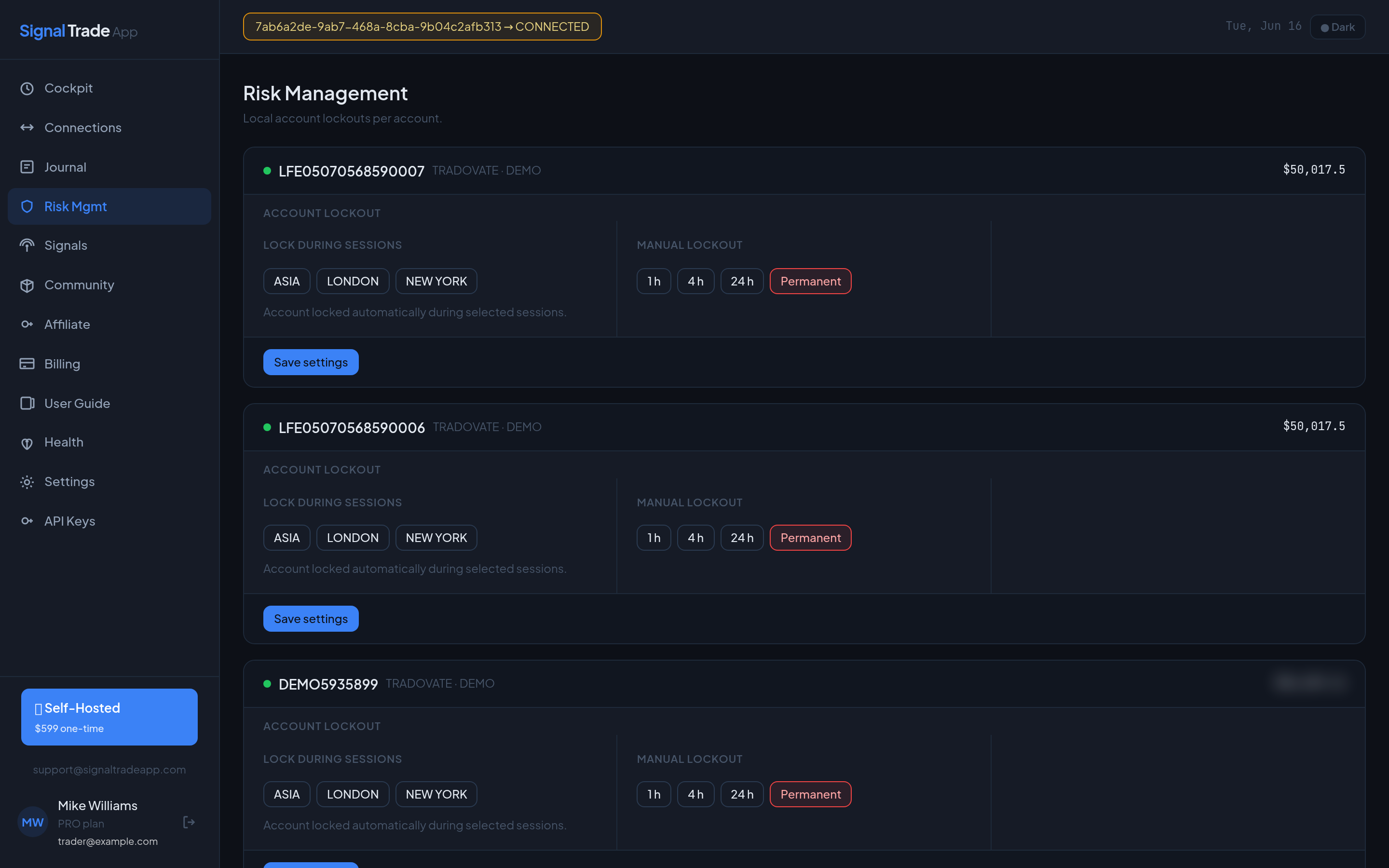
Prop firm traders live and die by daily loss limits. One bad trade copied across ten accounts can wipe out weeks of progress. Signal Trade App's risk layer stops copying automatically when limits are hit, protecting every follower account.
Risk Controls Overview
| Control | What It Does | Where to Set It |
|---|---|---|
| Daily Loss Limit (DLL) | Stops copying after a dollar loss threshold. | Copy group settings or per-account. |
| Daily Profit Target (DPT) | Stops copying after a profit target is reached. | Copy group settings. |
| Max Quantity | Caps the number of contracts per trade. | Per follower in a group. |
| Auto-Lockout | Disables a group or account after a limit is hit. | Risk settings. |
| Trailing Drawdown | Tracks peak-to-trough loss and locks out at the threshold. | Account or group level. |
How DLL Works
When the total unrealized or realized loss for a group reaches the DLL, Signal Trade App stops sending new copy orders. Existing positions are not flattened automatically unless you enable that option. You can manually close positions from the Cockpit or your broker platform.
How DPT Works
DPT locks the group once the daily profit target is reached. This prevents overtrading and helps you lock in gains on days where the market is moving in your favor.
Setting Up Risk on a New Group
- Open the Cockpit and create or edit a group.
- Set the group-level DLL to a number you can afford to lose across all followers.
- Set a per-account DLL for each follower if accounts have different rules.
- Set max quantity per follower based on account size and prop firm limits.
- Enable auto-lockout and choose whether to flatten open positions.
- Save the group and verify the risk badges appear on the Cockpit card.
Recommended Starting Values
These are conservative defaults for new traders. Adjust based on your strategy and prop firm rules.
| Account Size | DLL | Max Quantity | DPT |
|---|---|---|---|
| $50K eval | $500 | 2 contracts | $1,000 |
| $100K eval | $1,000 | 3 contracts | $2,000 |
| $150K funded | $1,500 | 5 contracts | $3,000 |
What Happens When a Limit Is Hit?
- The group status changes to LOCKED or PAUSED.
- You receive a WebSocket notification and an optional email alert.
- No new copy orders are sent until you manually unlock the group.
- Open positions remain open unless flatten-on-lockout is enabled.
Best Practices
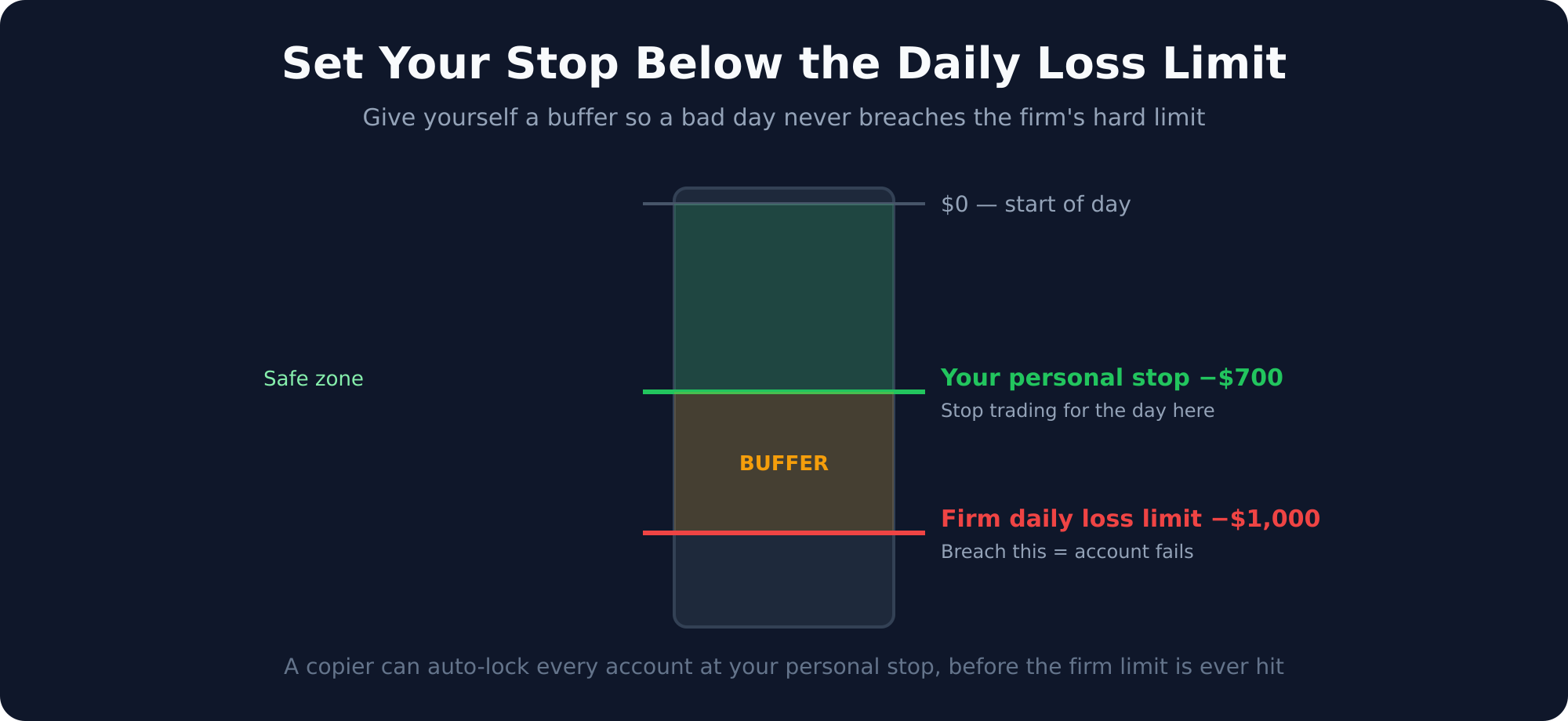
- Set DLL lower than the prop firm trailing drawdown to leave a safety buffer.
- Use per-account DLLs when followers have different account sizes.
- Review DLL hits in the Journal to find strategy weaknesses.
- Never disable auto-lockout on funded accounts.
Read next: Cockpit guide.
Start Copy Trading Free
Signal Trade App lets you copy one trade across unlimited futures accounts in under 50ms. Sign up free with a 5-day Pro trial (credit card required, no charge during trial).