Signal Trade App Community Guide
Category: App Pages | Last updated: 2026-06-15 | Reading time: 4 min read
What Is the Community Page?
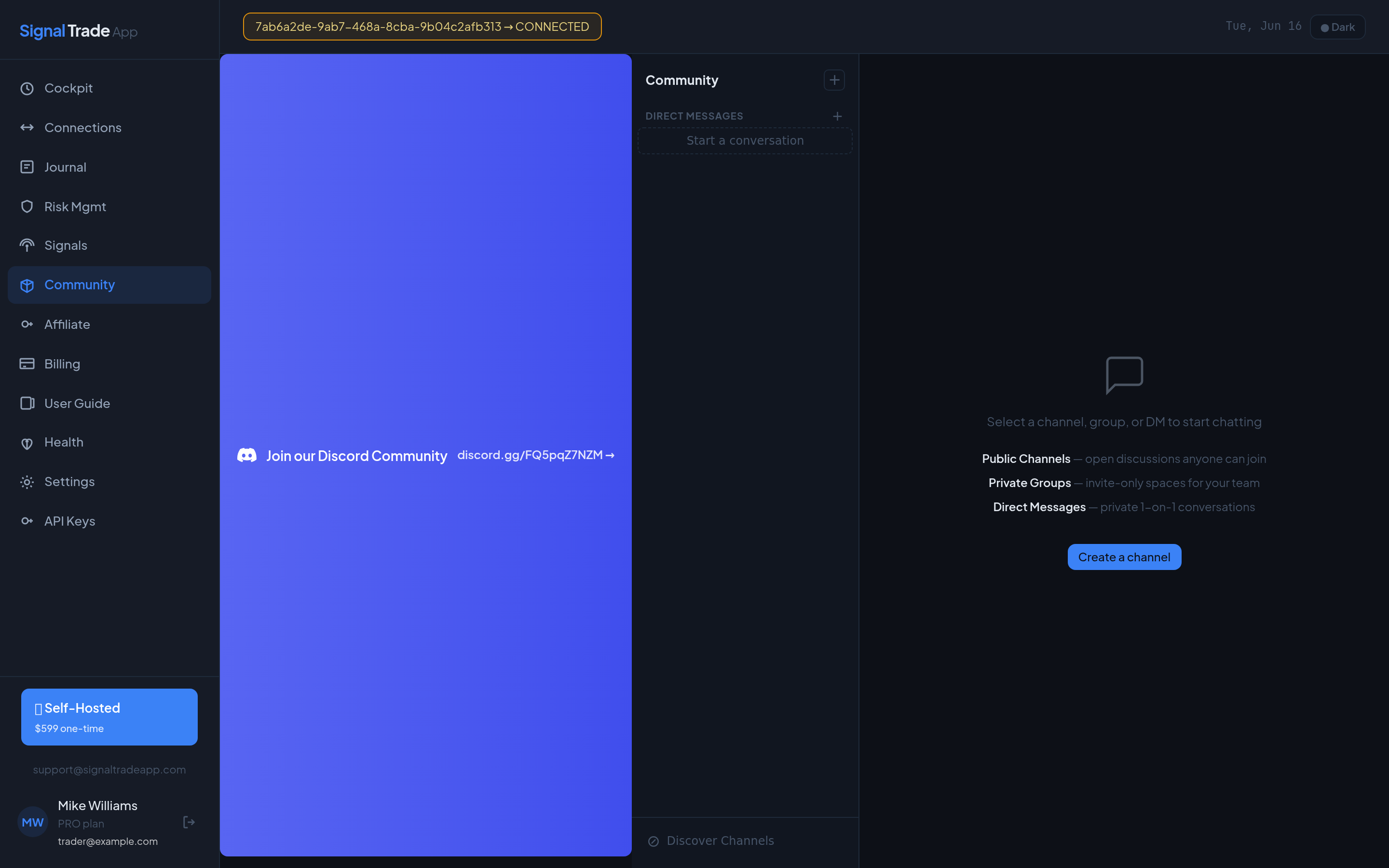
The Community page is a built-in chat space for Signal Trade App traders. Ask questions, share trade setups, discuss brokers, and learn from other prop firm traders. The community is moderated to keep discussions helpful and on-topic.
Community Channels
- #general — Introductions, announcements, and casual trader chat.
- #strategies — Share and discuss trading strategies and edge ideas.
- #broker-help — Get help with Tradovate, Rithmic, and NinjaTrader.
- #signals — Discuss signal providers and webhook automation.
- #show-results — Share journal screenshots and celebrate payouts.
How to Post
- Open Community.
- Select a channel from the left sidebar.
- Type your message and click send or press Enter.
- Use @username to mention someone.
- Click the notification bell to enable alerts for new messages.
Community Guidelines
- Be respectful. No harassment, spam, or promotional links.
- Do not share account passwords or API keys.
- Use #broker-help for technical support questions.
- No financial advice. Share ideas, not guarantees.
Read next: Affiliate Program guide.
Start Copy Trading Free
Signal Trade App lets you copy one trade across unlimited futures accounts in under 50ms. Sign up free with a 5-day Pro trial (credit card required, no charge during trial).