
How to Copy Trade Apex Trader Funding Accounts (NinjaTrader & Rithmic)
Category: Tutorial | Date: 2026-06-21
Copy Trading on Apex Trader Funding
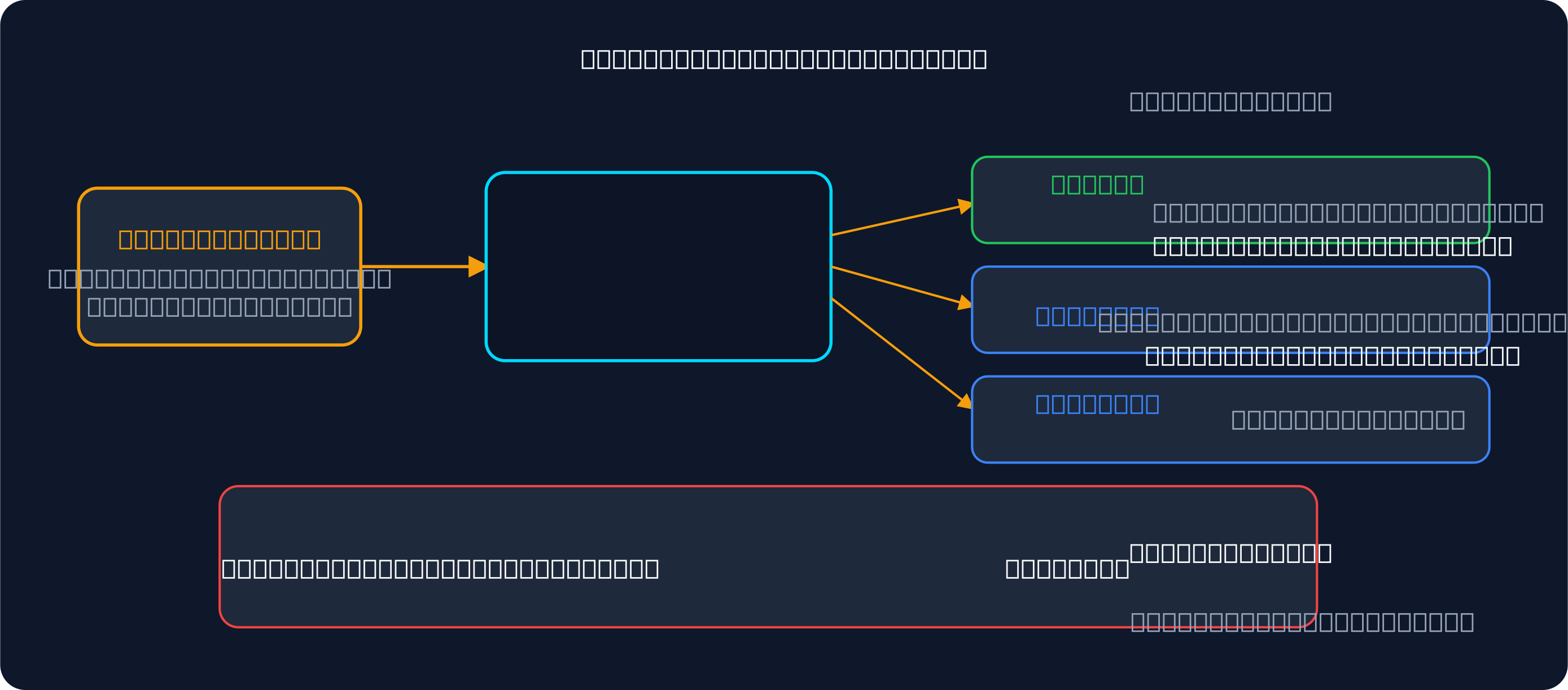
Apex Trader Funding is one of the most popular futures prop firms for scaling — generous rules, no consistency requirement, and frequent discount codes make it easy to stack multiple funded accounts. The challenge is trading them all simultaneously. That is where a trade copier comes in.
Apex accounts connect through Rithmic or NinjaTrader. This guide covers how to set up copy trading across multiple Apex accounts using Signal Trade App, including Apex's rules, trailing drawdown management, and cross-platform copying.
Apex's Copy Trading Rules
Apex allows copy trading across your own accounts. There are no restrictions against using third-party copiers, but each account must independently comply with Apex's rules:
- Each account has its own trailing drawdown — breaching it on any single account closes that account regardless of your other accounts' performance
- No consistency rule: you can pass the evaluation with one good day
- Apex accounts connect via Rithmic (most common) or NinjaTrader — your copier must support the matching connection type
- Trading hours and news restrictions apply to every account equally
- You are responsible for managing position sizes per account — Apex does not scale them for you
Understanding Apex's Trailing Drawdown
The trailing drawdown is the number one reason traders lose Apex accounts when copy trading. Here is how it works:
- Your account starts with a maximum drawdown that trails your highest end-of-day balance
- As your account profit grows, the drawdown floor moves up with it — it never moves back down
- Once the drawdown floor reaches your starting balance, it stops trailing and becomes a fixed floor
- A copier that does not track this per account can let a follower breach its trailing drawdown while the leader is still well within limits
Signal Trade App tracks trailing drawdown per account in real time. You set the drawdown threshold for each follower, and the platform auto-flattens and locks the account before it breaches — even if the leader keeps trading.
Step-by-Step Setup with Signal Trade App
- Create your Signal Trade App account and start the 5-day free trial
- Go to Connections and add your Apex account — select Rithmic as the connection type and enter your Rithmic credentials (server, username, password)
- If you have Apex accounts on NinjaTrader, add those using the NinjaTrader connection type instead
- Repeat for every Apex account you want to copy to
- Create a Copy Group: designate one account as the leader and add all others as followers
- Set copy ratios based on account size — a 50K leader copying to a 50K follower uses 1.0x; a 150K leader copying to a 50K follower uses 0.33x
- Configure each follower's trailing drawdown limit inside Signal Trade App to match Apex's trailing drawdown for that account
- Set daily loss limits at 80% of each account's official daily limit
- Run a test session on demo before going live — verify order sizes, bracket orders, and fill times
Scaling Across Multiple Apex Accounts
Many Apex traders run 5, 10, or even 20 funded accounts simultaneously. Here is how to scale without losing control:
- Add followers one at a time — verify each one copies correctly before adding the next
- Use Signal Trade App's cross-platform support if you have Apex accounts on both Rithmic and NinjaTrader — they can all be in the same copy group
- Monitor trailing drawdown on the dashboard so you see which accounts are closest to their floor
- Consider reducing copy ratios on newer accounts that have not built a drawdown buffer yet
- Use the built-in trading journal to track P&L per account — know which accounts are earning and which are at risk
Start Scaling Your Apex Accounts
Signal Trade App connects to Apex accounts via Rithmic and NinjaTrader with sub-41ms execution. Per-account trailing drawdown enforcement, daily loss limits, and cross-platform copying let you scale to dozens of Apex accounts from a single leader. Start your 5-day free trial — $30 for the first month, then $15/month. Self-hosted option available at $599 one-time.
Frequently Asked Questions
What is Apex's trailing drawdown?
Apex applies a trailing drawdown where your max loss resets when you hit a new equity high. Unlike a fixed drawdown that never changes, a trailing drawdown floor moves up with your profits — giving you more room to trade as you grow the account.
Can I connect via NinjaTrader without Rithmic?
Yes. Apex accounts can connect through NinjaTrader directly. You do not need a separate Rithmic login if you already access Apex via NinjaTrader in your broker setup.
How do I size copies across different Apex accounts?
Use copy ratios. A $100K leader to a $50K follower uses 0.5 ratio. A $100K leader to a $200K follower uses 2.0 ratio. Set max quantity caps per follower so no single trade oversizes any account.
What happens when trailing drawdown breaches?
Signal Trade App auto-flattens the account before the breach occurs. You set a threshold per account (e.g., 5% drawdown for a $100K account = $5K), and the copier closes all positions when that threshold is hit.
Start Copy Trading Free
Signal Trade App lets you copy one trade across unlimited prop firm accounts in under 50ms. Sign up free with a 5-day Pro trial (credit card required, no charge during trial).
Related Reading
- Help Center — Setup guides, broker connections, and risk management
- Supported Platforms — Tradovate, NinjaTrader, TradingView, and more
- Blog — More guides on copy trading, prop firms, and futures automation